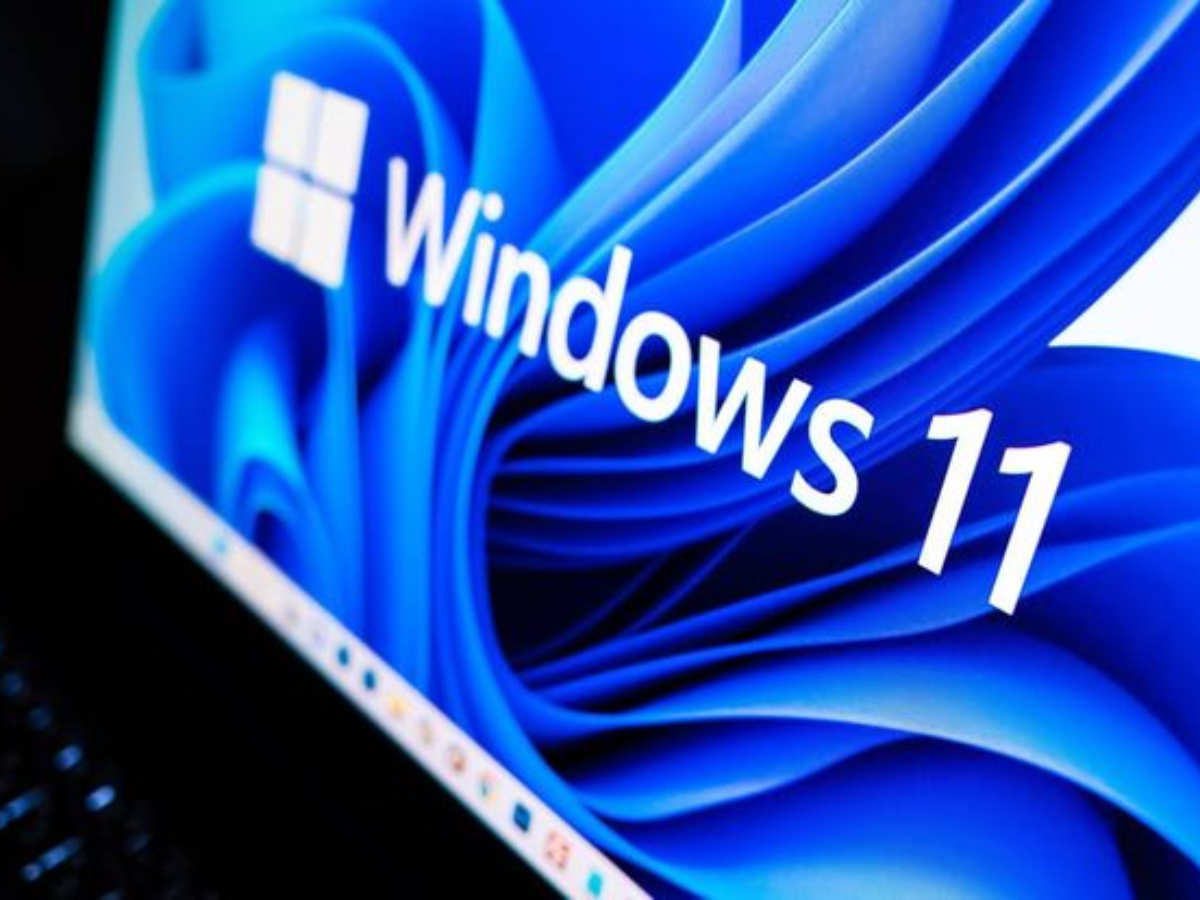
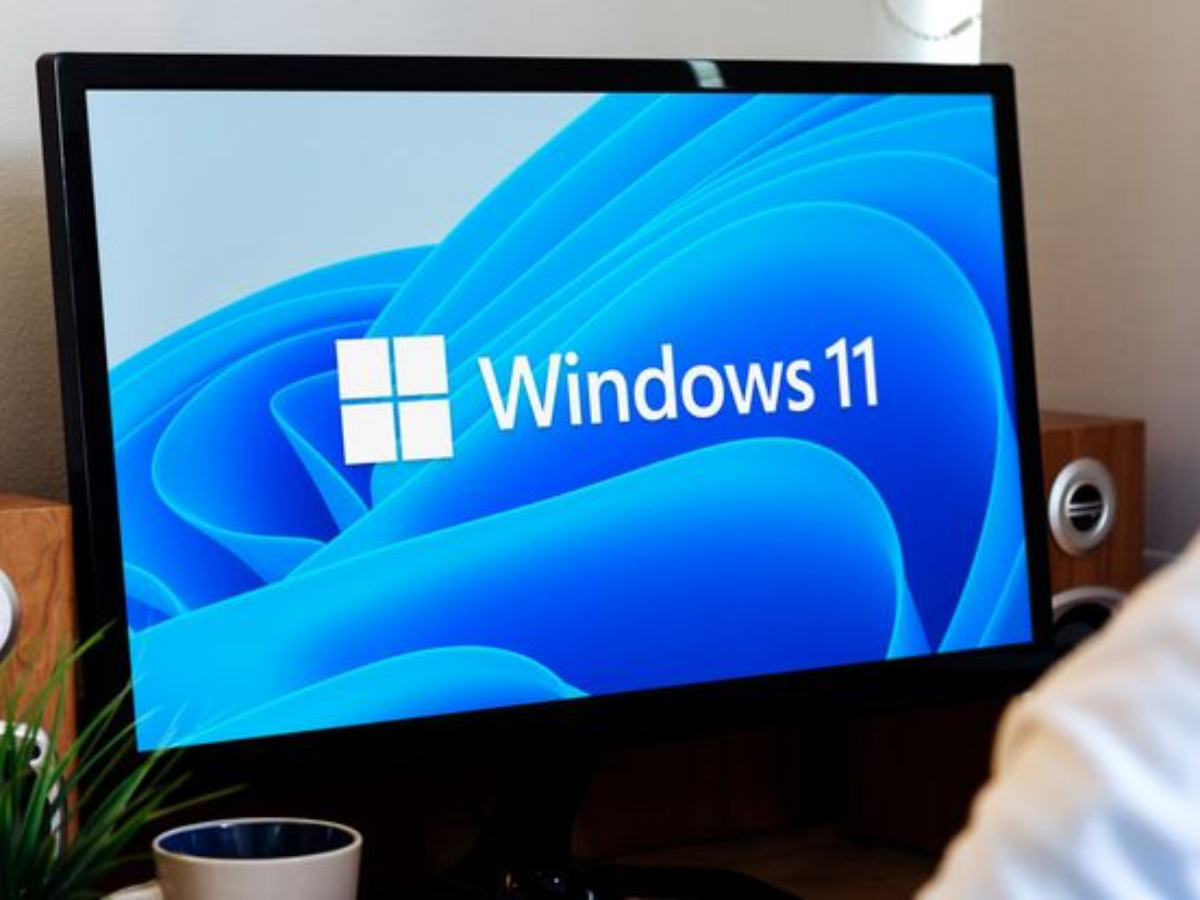
Microsoft has made a change in the Windows 11 installation experience, allowing users to skip the update installation step during their initial PC setups. This option is now generally available after months of testing with specific groups. Aria, one of the Microsoft engineers working on this, confirmed this situation.
Previously, the Windows 11 installation was mandatory subjected to an update process that users had to wait for. This process could take up to 30 minutes depending on the number of pending updates, and total installation times could extend up to 40 minutes.
How Does the Windows 11 “Update Later” Button Work and What Does It Mean for Future Updates?
Now, a new update later button appears under the update progress bar during installation. Users who select this button will be able to go directly to the desktop without waiting for the updates to install. Aria confirmed that skipping the updates means that the latest features and security fixes will not be applied until they are installed after reaching the desktop. Updates can also be manually installed later through Windows Update in Settings.
This change does not completely remove updates from the installation process. Users who prefer to install updates during the setup can do so by allowing the process to complete.
Microsoft is adjusting the installation process to make Windows 11 updates smoother. The company also confirmed that it is working on two other changes that will allow users to indefinitely postpone updates and reduce the frequency of restarts required to apply updates to once a month. However, Microsoft has not announced any release dates for these updates.
















![iPhone 17e: Apple Finally Got the Affordable iPhone Right [Video]](/resimler/iphone-17e-apple-nihayet-uygun-fiyatli-iphoneu-dogru-yapti-video.jpg)






Comments
(3 Comments)